
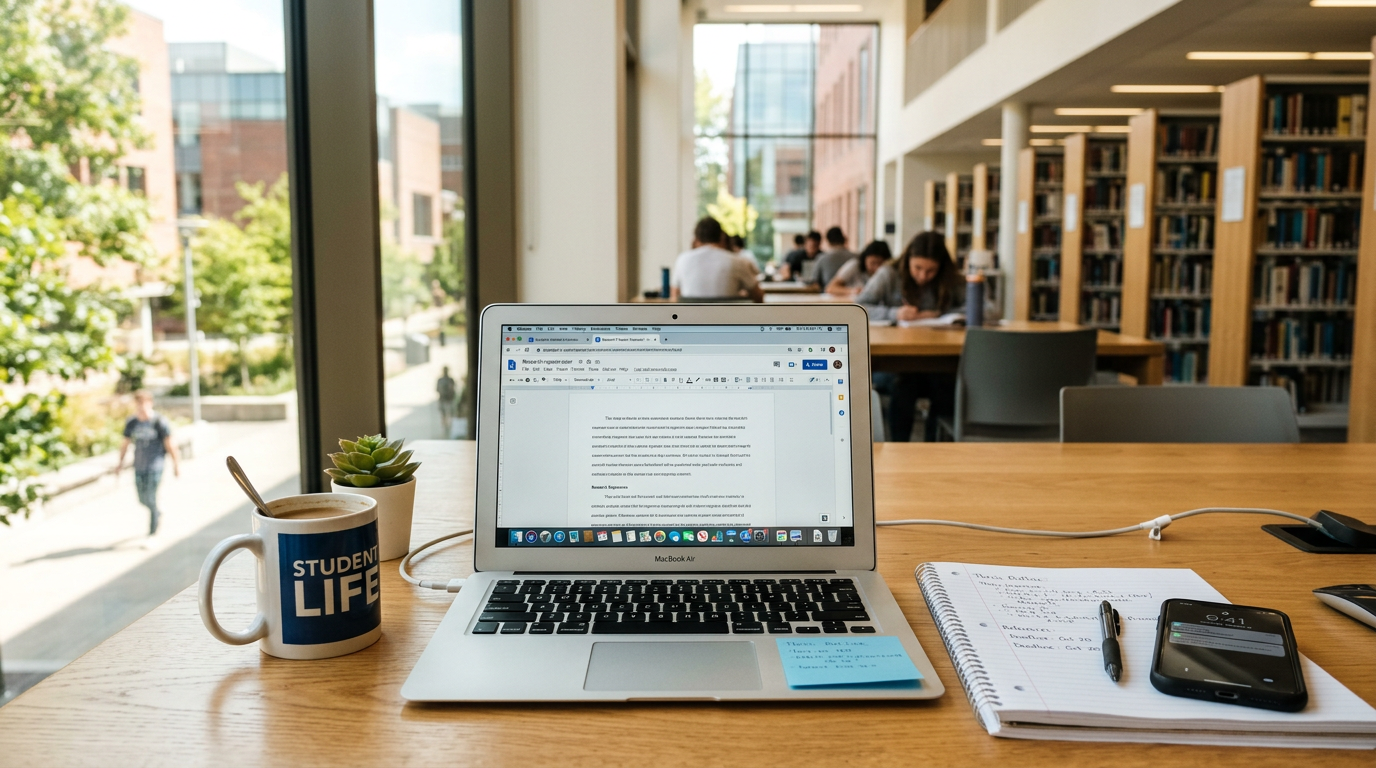

A good university laptop does not necessarily have to be the most expensive or the most powerful. Build quality, ports, battery life, software compatibility and the way you use the device every day all matter. The Belgian consumer organisation Test-Aankoop tested several models and selected five affordable laptops for students. Two versions of the Microsoft Surface Laptop 7 achieved the highest scores in the selection.
(Staff: Belgium / Technology & Education)
For most students, a laptop has become an essential tool for taking notes, working on documents and presentations, carrying out online research, attending video sessions and, of course, relaxing between classes. The problem is that the market is enormous, and the differences between models are not always obvious at first glance. An expensive laptop is not automatically the right choice for university, while a cheap one can become a burden if its battery life is poor or it lacks the ports you need.
Here is what the specialists recommend and which models stood out in the tests.
What matters most in a student laptop?
1. Build quality and durability
A university laptop must withstand daily transport, repeated opening and closing, and intensive use. Warning signs of poor construction include:
- a keyboard that flexes while typing;
- a case that creaks when lifted with one hand;
- loose screen hinges.
A well-built model feels solid and is more likely to remain reliable over time.
2. Ports – do not rely only on adapters
USB-C hubs can be useful, but it is much more practical to have the ports you need directly on the laptop. Specialists recommend at least:
- 2 USB-A ports – for a mouse, keyboard or USB stick;
- 2 USB-C ports – for fast data transfer, charging and connecting an external monitor;
- 1 HDMI port – for a projector or monitor, particularly useful for presentations and group work.
3. Battery life – essential for a long day of classes
Battery life is one of the most important criteria for students. Lithium-ion batteries have a limited number of charging cycles, and a laptop that lasts longer on a single charge can reduce the need for frequent charging.
Some modern laptops also allow relatively inexpensive battery replacement. For example, Framework’s modular models can be opened with the included screwdriver, and a replacement battery costs around €55. This can significantly extend the useful life of the laptop.
4. Choose according to what you actually do with the laptop
Do not pay for performance you do not need.
- For office work, note-taking, internet, email and presentations: a recent mid-range processor, 8 GB of RAM (ideally 16 GB) and good battery life are usually sufficient.
- For photography, video editing, 3D and design: you need a powerful processor, at least 16 GB of RAM, a dedicated graphics card and a good-quality display.
Laptop for graphics and video editing – what to look for
If your studies involve photo, video or 3D editing, an integrated graphics chip may not be sufficient. A dedicated graphics card is recommended. Also consider:
- RAM: at least 16 GB, with more recommended for demanding projects;
- Display: accurate, consistent colours, essential for photography and video;
- Storage: sufficient internal storage or a fast external SSD; USB-C with Thunderbolt or USB4 is a plus;
- SD card reader: useful if you work with a camera;
- Windows on ARM: some professional applications are still not fully compatible. Check software compatibility before buying if you rely on demanding professional programs.
Laptop for office work – what is enough?
For everyday activities:
- 8 GB RAM is the comfortable minimum;
- 16 GB RAM provides more comfort when working with many tabs and applications simultaneously;
- processors such as Intel Core 5 or AMD Ryzen 5 are good choices;
- for smaller budgets, Intel Core 3 or AMD Ryzen 3 can be sufficient for light workloads;
- ideally, the processor should have at least 4 cores;
- laptops using ARM, such as Qualcomm Snapdragon models, can offer good office performance and battery life, but software compatibility should be checked.
Models that stood out in the tests
In Test-Aankoop’s selection, the highest-scoring models in the material analysed are two versions of the Microsoft Surface Laptop 7:
- Microsoft Surface Laptop 7, 13.8-inch – score 85/100, rated “best in the test”. Indicative price: around €1,176.
- Microsoft Surface Laptop 7, 15-inch – score 84/100, also rated “best buy”. Indicative price: around €1,399.
The full selection contains five laptops for students, but these are the models with the highest scores in the material analysed.
Is a refurbished laptop or Chromebook worth considering?
Both can be good solutions for students, particularly when the budget is limited. For a refurbished laptop, check:
- the warranty provided by the seller;
- battery condition;
- usage history;
- the possibility of returning it.
With a Chromebook, check whether the applications you need for your studies work in the browser or whether compatible alternatives are available.
Conclusion
The best student laptop in 2026 is not necessarily the most expensive one, but the one that matches your actual needs. The right choice means balancing build quality, ports, battery life, performance and budget. For a course with ordinary requirements, a well-built mid-range laptop is usually enough. If you work with graphics or video, invest in RAM, a dedicated graphics card and a quality display. And if you want to save money, consider a refurbished model or a Chromebook, while paying close attention to compatibility and warranty.





Leave a Reply